Advanced Excel With Generative AI Course

A comprehensive Advanced Excel training program designed to build strong data analysis, reporting, dashboard creation, and Generative AI skills used in modern business environments.

1 to 1.5 Months Duration
Live Online Interactive Training
Industry-Oriented Advanced Excel Curriculum
Dashboard, Reporting & Generative AI Focus
Expert Corporate Trainers
Certificate with Verification Code
100% Placement Support
Ideal for Analysts, MIS & Business Professionals

Our training is aligned with nationally recognized skilling initiatives and globally practiced industry methodologies, informed by Skill India, NSDC, NASSCOM FutureSkills, and IBM frameworks.


Techniques Covered

Advanced Excel Formulas for Complex Business Data
Pivot Tables, Pivot Charts & Interactive Reporting
Power Query for Data Cleaning & Transformation
Excel Dashboards, KPIs & Data Visualization
Generative AI, Macros & Excel Automation for Workflow Efficiency
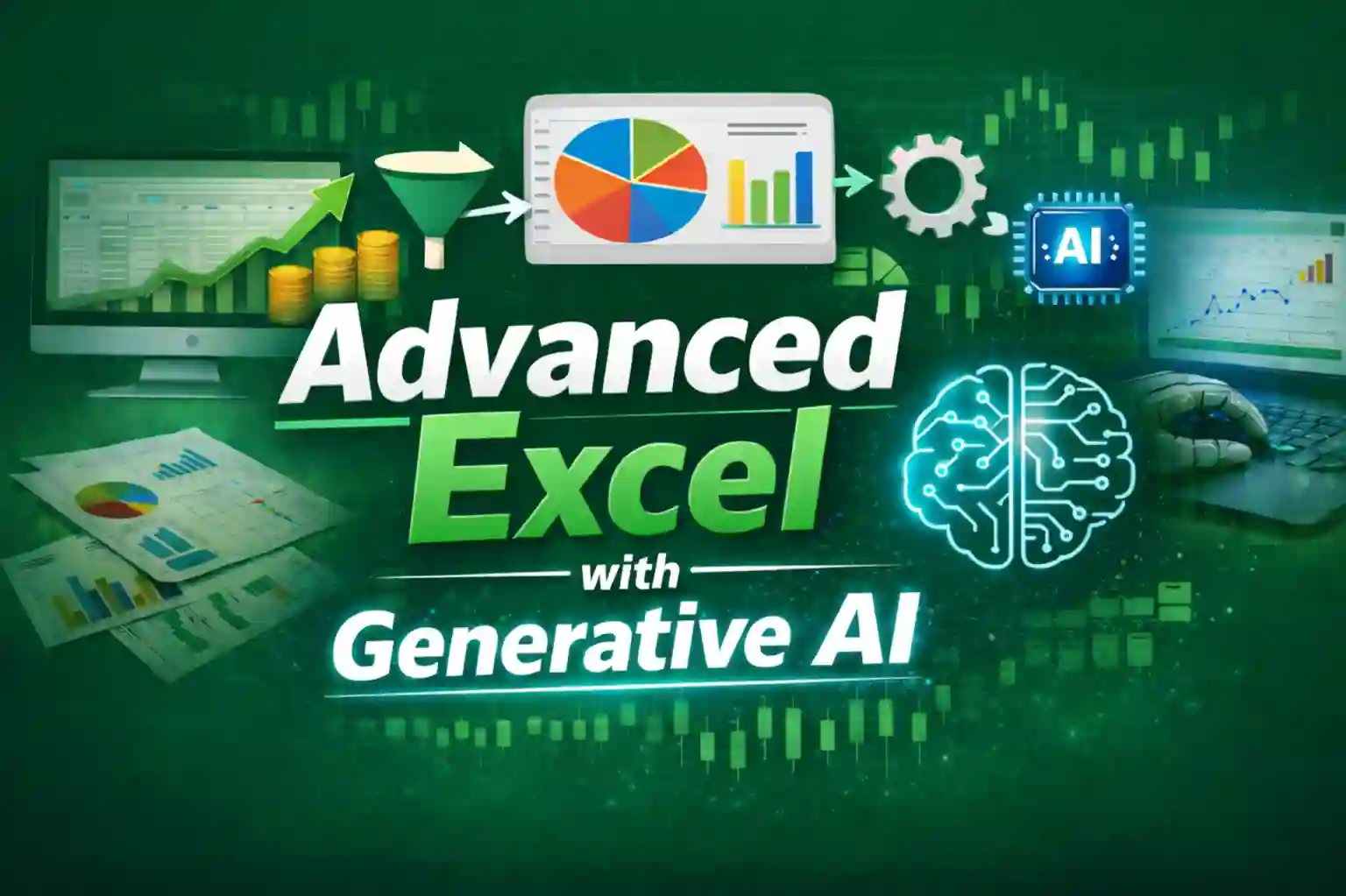
Advanced Excel With Generative AI

Categories Feature

About Course

The Advanced Excel with Generative AI training is designed to help learners develop practical spreadsheet and data-handling skills used in real business environments. The course focuses on transforming everyday data into meaningful reports, dashboards, and insights using advanced Excel features supported by modern AI tools. Learners explore powerful techniques such as advanced formulas, data organization, dashboard creation, and report automation that simplify complex business tasks. The integration of Generative AI further improves productivity by assisting with faster analysis, structured reporting, and smarter workflow management. After completing the training, participants are able to handle business datasets confidently, create professional reports, and support data-driven operations across roles related to MIS reporting, operations analysis, and business support functions.
Show More

Course Curriculum

Advanced Excel

  • Excel Interface, Data Structuring & Workbook Optimization
  • Advanced Data Cleaning, Preparation & Data Transformation
  • Advanced Lookup Techniques (XLOOKUP, VLOOKUP, HLOOKUP, INDEX-MATCH)
  • Logical, Statistical & Analytical Excel Functions (IF, Nested IF, IFS, SUMIFS, COUNTIFS, AVERAGEIFS, TEXT, DATE)
  • Advanced Data Validation & Structured Referencing
  • Data Visualization with Conditional Formatting
  • Pivot Tables for Data Analysis & Reporting
  • Pivot Charts, Interactive Filters & Slicers
  • Power Query for Data Automation & Data Transformation
  • Professional Business Charts & Visualization Techniques
  • Designing Interactive Excel Dashboards with KPIs, Dynamic Charts & Slicers
  • Excel Automation using Macros for Repetitive Tasks
  • Industry-Based Excel Projects & Practical Case Studies
4,500.00

Benefits Obtained :

  • Course Duration: 1 to 1.5 Months
  • Weekend & Weekdays both available
  • Generative AI Efficiency
  • 28 downloadable resources of your classes
  • Access on mobile and TV
  • Course Completion Certificate with verification code
  • 100% Placement Support
  • Lifetime Study Material Access

Advanced Excel with Generative AI

The Advanced Excel with Generative AI course focuses on modern spreadsheet analytics, business reporting, and AI-assisted data workflows used in corporate environments. The program helps learners transform raw data into structured insights using powerful Excel tools and practical AI assistance.

Participants gain hands-on experience in advanced formulas, data cleaning, dashboards, reporting automation, and visualization techniques commonly used in business operations.

By the end of the program, learners can efficiently analyze datasets, automate reports, and support data-driven decision-making in roles such as MIS executive, reporting analyst, and business support professional.

Tools You Will Learn

Claude AI for Excel Data Analysis
ChatGPT for Excel Automation and Data Analysis
Microsoft Copilot AI for Excel Productivity
Advanced Excel for Business Data Analysis
Excel Power Query Data Transformation
Excel VBA Macros Automation

What is Advanced Excel?

Advanced Excel refers to the use of powerful spreadsheet features to analyze data, build reports, and automate calculations used in business environments. It expands basic Excel usage by introducing advanced formulas, structured data handling, and analytical tools.

Professionals use Advanced Excel to create dashboards, perform data analysis, manage large datasets, and generate automated reports using tools like pivot tables, lookup functions, and data visualization.

These capabilities are widely applied in finance, operations, sales reporting, MIS management, and business analytics where accurate data insights support informed decision-making.

Advanced Excel with Generative AI Training

What Will You Learn in This Course?

This 1 to 1.5 month Advanced Excel with Generative AI course helps learners develop strong spreadsheet analytics, reporting automation, and AI-assisted workflows used in modern business environments.

Advanced formulas, lookup functions, and logical calculations for complex business data
Interactive dashboards, pivot reporting, and dynamic data visualization
Data cleaning and transformation techniques for business datasets
Automation using Excel Macros and productivity improvement methods
Generative AI tools for faster formula creation, data interpretation and placement preparation with support


Master Advanced Excel with Generative AI

Build practical skills in advanced formulas, dashboards, automation, Power Query, VBA, and AI-assisted Excel workflows with hands-on training designed for complex business data.

Enroll Now

Program Highlights

Live online Advanced Excel training sessions conducted by experienced instructors with practical business use cases.
Lifetime access to session recordings you attended along with downloadable resources and learning materials.
Hands-on Advanced Excel techniques including formulas, dashboards, spreadsheet automation, and reporting workflows.
Practical use of Generative AI to accelerate formula building, data interpretation, and productivity workflows.
1:1 doubt support sessions along with 24×7 learner assistance to resolve Excel concepts, formulas, and practice queries.
Professional portfolio development guidance for LinkedIn, GitHub, Kaggle, and Fiverr platforms.
Hands-on learning with real capstone projects to strengthen practical Excel skills used in business environments.
Verified professional certificate with a unique validation code after successful course completion.
ATS-friendly resume preparation, mock interview practice, reporting case discussions, and dedicated placement support.

Industry-Relevant Advanced Excel Projects

Business Sales Dashboard Project

Create an interactive Excel dashboard to track sales performance, KPIs, regional trends, and monthly business insights using advanced formulas, charts, and pivot tables.

Automated Reporting Workflow

Design an automated Excel reporting system using formulas, Power Query, and structured templates to generate recurring business reports efficiently.

Excel Data Cleaning & Transformation Project

Work with raw business datasets and apply practical Excel techniques for data cleaning, formatting, validation, and structured reporting workflows.

Generative AI Assisted Excel Productivity

Use Generative AI tools to generate formulas, improve spreadsheet productivity, and assist in faster reporting and documentation tasks.

Advanced Excel Career & Industry Insights

Advanced Excel professionals help organizations organize, automate, and manage business data through structured reporting, dashboards, and spreadsheet-based workflows.

Industries such as IT services, finance, banking, e-commerce, consulting, operations, logistics, and analytics teams actively recruit professionals skilled in Advanced Excel and business reporting tools.

6M+
Global job opportunities for roles such as MIS Executive, Excel Analyst, Reporting Analyst, and Business Operations Analyst.
Advanced Excel + Generative AI
Essential tools used for dashboards, spreadsheet automation, reporting workflows, and modern productivity with AI support.
₹3.5 – ₹7 LPA
Typical entry-level to mid-level salary range depending on Excel expertise, reporting experience, and automation skills.
pattern v

Testimonials

Trusted by Thousand of Students

0
Rated 5 out of 5
Google Reviews
Data Science Feedback of Skillkesari Academy
“The Data Science course gave me strong conceptual clarity along with practical exposure. Every topic was explained patiently by the trainers, which made complex concepts easier to understand. The interview guidance and career support helped me feel more confident and prepared while applying for job opportunities.”
Rated 5 out of 5
Mohit Agarwal
Skillkesari Academy Feedback No 1 Power BI Academy
“I gained a clear understanding of data visualization, and working with Power BI helped me present insights in a more structured and professional manner.”
Rated 5 out of 5
Himanshi Dixit
Python Feedback of Skillkesari Academy
“The course had a good balance of core concepts and practical usage, and learning Python in this way made ideas easy to apply. Ghanshyam Sir’s support was always available whenever I needed help.”
Rated 5 out of 5
Prateek
Data Analyst Feedback of skillkesari Academy
“Choosing this program was a great decision for me. The Data Analyst training was aligned with current industry needs, and the hands-on projects helped me apply concepts to real-world scenarios.”
Rated 5 out of 5
Amit Sharma
Data Science Feedback of SkillKesari Academy
“I really enjoyed the Data Science training experience. The course started from the basics and gradually covered modern tools and frameworks. The practical approach helped me understand the concepts clearly”
Rated 5 out of 5
Sonal Jha
Skillkesari-Academy-Excel-training-feedback
“The Excel training helped me build a strong foundation in data handling, reporting, and analysis. The practical exercises made concepts easy to apply in real work. Skillkesari Academy supported me at every step with placement guidance, which helped me secure an MIS role.”
Rated 5 out of 5
Abhay mahajan

Placement Network Across Reputed Companies

Placement Support Across Leading Companies

Frequently Asked Questions (FAQ)

What is the duration of the Advanced Excel with Generative AI course?
The course typically runs for 1 to 1.5 months depending on the training schedule and learning pace.
Is the training conducted live or recorded?
The program is delivered through live online training sessions, and students also receive lifetime access to recordings of the sessions they attended.
What topics are covered in the Advanced Excel course?
Students learn advanced formulas, pivot tables, dashboards, spreadsheet automation, reporting workflows, and productivity improvements using Generative AI.
Will I receive a certificate after completing the course?
Yes, definitely. After completing the course, you will receive an industry-recognized certificate. Each certificate contains a unique verification ID, allowing students, employers, or companies to easily verify it directly on our official website 24/7 from anywhere.
Do you provide placement support?
Yes. Students receive dedicated placement support including ATS-friendly resume preparation, mock interviews, and guidance for Excel-related roles.
Who should enroll in this course?
This course is suitable for students, job seekers, working professionals, and anyone who wants to build practical Advanced Excel and reporting skills for business environments.

Limited Seats Available for Advanced Excel With Generative AI

Secure your seat in the Advanced Excel with Generative AI course and start building professional spreadsheet, reporting, and automation skills used in modern business environments.

Enroll Now